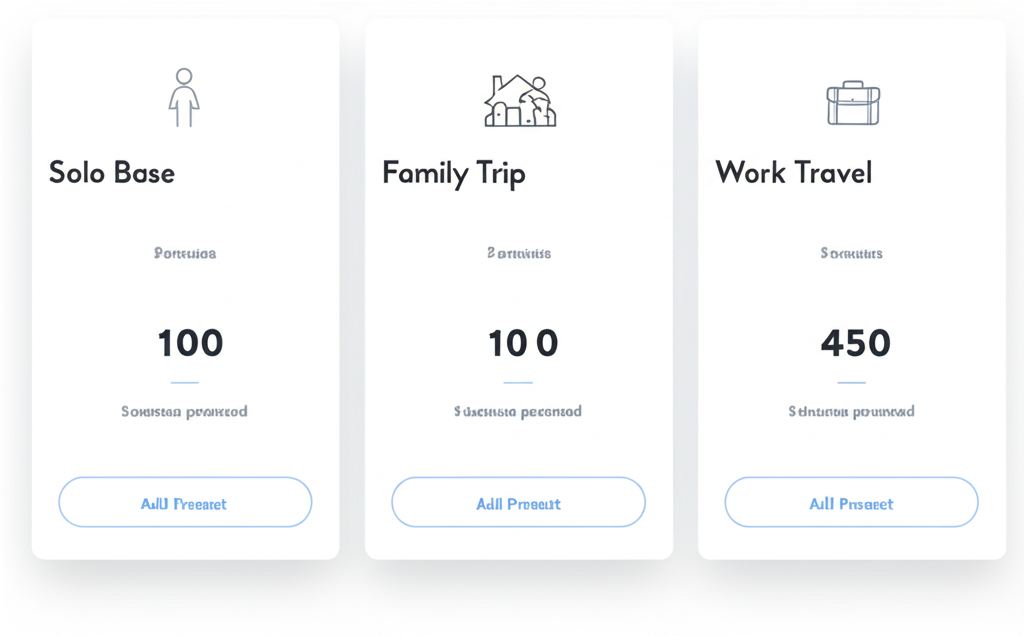
I used to spend 45 minutes every time I searched for an Airbnb. Scrolling through endless filters, checking the same boxes over and over: "WiFi speed," "workspace," "coffee maker." Sound familiar? After booking over 200 stays across 30 countries, I discovered the secret that cut my search time from hours to minutes: strategic preset management.
💡 Pro Tip
The average traveler recreates the same 5-7 filter combinations on every search. Smart preset strategies eliminate this repetitive work entirely.
The Core Preset Framework
After analyzing thousands of successful bookings, I've identified four essential presets that cover 90% of travel scenarios. Think of these as your "starter pack":
"Solo Base"
- • Private room minimum
- • WiFi speed: Fast (25+ Mbps)
- • Safe neighborhood filters
- • Self check-in preferred
"Couple Getaway"
- • Entire place only
- • Romantic amenities (fireplace, hot tub)
- • Privacy-focused locations
- • Scenic views preferred
"Family Trip"
- • Multiple bedrooms
- • Kid-safe features
- • Kitchen essentials
- • Family-friendly neighborhood
"Work Travel"
- • Dedicated workspace
- • Business center access
- • Reliable internet guarantee
- • Professional environment
Advanced Preset Strategies
Once you've mastered the basics, it's time to get specific. I organize my advanced presets into two categories: geographic and activity-based.
Geographic Presets
Location-specific presets account for regional differences in amenities and expectations:
- "Beach House" - Ocean view priority, parking essential, outdoor shower bonus, beach gear storage
- "City Center" - Walking score 90+, public transport within 0.2 miles, noise tolerance settings
- "Mountain Cabin" - Fireplace required, hiking trail access, 4WD parking, cozy interior vibes
Activity-Based Presets
These presets optimize for specific travel purposes and activities:
- "Ski Trip" - Slope access under 15 minutes, gear storage/drying, hot tub for recovery, mountain views
- "Food Tour" - Full kitchen setup, local neighborhood character, walkable to markets, dining recommendations
- "Photography" - Unique architecture, golden hour lighting, Instagram-worthy interiors, scenic surroundings
Real Example: My "Digital Nomad" Preset Evolution
Version 1 was basic: "WiFi + workspace." After 20 bookings, I learned to add "backup internet," "ergonomic chair," and "natural lighting." Version 3 includes "coworking nearby" and "time zone considerations." Each iteration saved me from booking disasters.
Preset Naming Best Practices
Your preset names should work like shortcuts in your brain. Here's my proven naming system:
- Keep names short and memorable (2-3 words max)
- Use action words: "Quick Weekend", "Deep Work", "Family Fun"
- Include key constraints: "Budget Solo", "Luxury Couple", "Pet Friendly"
- Version your presets: "Family v2", "Work Remote v3" (trust me, you'll iterate)
Preset Maintenance: The Quarterly Review
Presets aren't "set it and forget it." I review mine every quarter, and here's my process:
- Review recent bookings - What filters did I add manually? Those should become preset features.
- Duplicate before editing - Always keep a working version while you experiment.
- Archive unused presets - If you haven't used it in 6 months, archive it.
- Share with travel partners - Sync preferences with frequent travel companions.
Pro Preset Workflows
The Funnel Method
This is my go-to approach for complex searches:
- Start with broad preset (location + dates + group size)
- Apply specific preset (activity + accommodation type)
- Fine-tune with manual filters (budget, specific needs, deal-breakers)
The A/B Testing Approach
For destinations you visit regularly:
- Create two similar presets with slight variations (e.g., "Tokyo Business" vs "Tokyo Business Plus")
- Compare results and merge the best features
- Continuously optimize based on booking success and actual stay experience
Ready to Master Your Preset Game?
Stop wasting hours on repetitive searches. AirFLTR Pro gives you unlimited presets with cloud sync, so your perfect filter combinations are always ready, on any device.
Get AirFLTR Pro - $4.99/year